Tracker Setup
Native Mobile App DesignTimeline ~3 months
Team & Role
This feature did not exist in the mobile app before the project began. I was the sole UX designer for this project. My responsibilities spanned discovery, interaction design, visual design, developer collaboration, and guiding implementation through to production.
Product-Market Fit
Linxup is purpose-built for SMBs with fleets of 15–100 devices (vehicle trackers, asset trackers, dash cams). For organizations requiring more than 100 devices, an enterprise solution is a better fit.
Customers
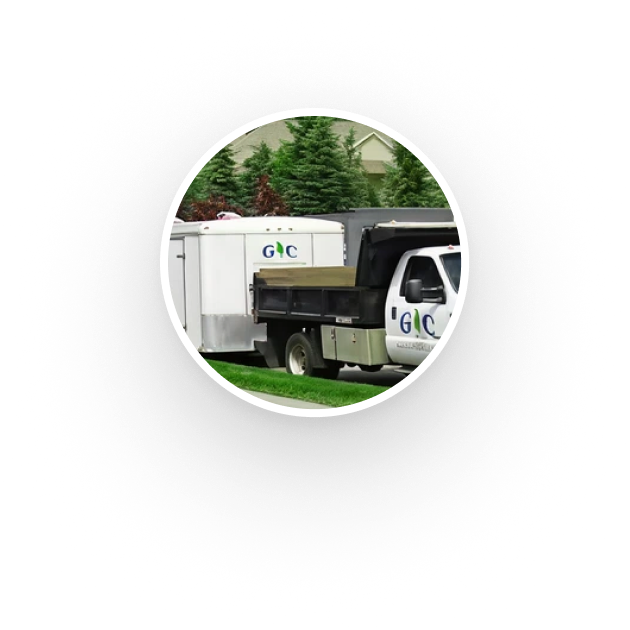
Linxup serves industries including landscaping, construction, HVAC, plumbing, towing, pest control, delivery, emergency services, trucking, utilities, and more. Fleet managers — classified as Admin user types — are the primary users of the features covered in this case study.
Strategic Initiative: Visibility Always
Customers will have uninterrupted visibility into their vehicles, assets, and workers.
User Story and Pain Points
As a fleet manager, I would like to add and edit Linxup device details from my mobile device so that I can manage my fleet while I am on the go or away from my computer.
Fleet managers faced problems in the mobile app:
- Editing device details was only possible for a limited subset of fields.
- Several device detail fields were absent from mobile entirely
- If customers who purchased 15–100 devices could not easily manage them, the devices often went unused, frustration mounted, and churn increased.
Quantitative Findings
Analytics from the web app's Tracker Setup page provided a useful baseline:
- 90% of admin users adopted the Tracker Setup page and its features.
- The average time spent on the setup page was approximately 3 minutes — more than on most other pages — which meant familiarity was critical.
Challenges
Since there was no way to edit fleet details in the app prior to this project, it was important to emphasize Learnability and Discoverability in the design of the feature.
Previously device details were present in the Map tab but not all fields were editable. The new tooltip displayed above increases the features Learnability & Discoverability.
Final Design
The final design introduced a scalable detail hierarchy: fleet management fields lived on the main Tracker Details page, while vehicle-specific fields (license plate, fuel capacity, fuel efficiency) were consolidated into a nested Vehicle Info page. This structure accommodated new fields without cluttering the primary view.
Launched!
Customer support reported zero cases of users being confused about how to edit device details. Stakeholders and developers were pleased with the outcome, particularly given this was one of my earlier projects and I was responsible for taking it from design through developer guidance, all the way to production.
Learnings
This project taught me how to work closely with developers using established patterns, how to make meaningful UX decisions , and how to deliver familiar, production-ready experiences within the constraints of legacy frameworks and limited resources.
Learn More About It
To protect any sensitive information, the full case study is in a presentation format. Please contact if you’d like to learn more!
Tracker Setup
Native Mobile App DesignTimeline ~3 months
Team & Role
This feature did not exist in the mobile app before the project began. I was the sole UX designer for this project. My responsibilities spanned discovery, interaction design, visual design, developer collaboration, and guiding implementation through to production.
Sells trackers for vehicles, assets, and dash cams to fleets in the SMB market.
The fleet utilizes the platform for fuel & productivity savings, as well as driver safety.
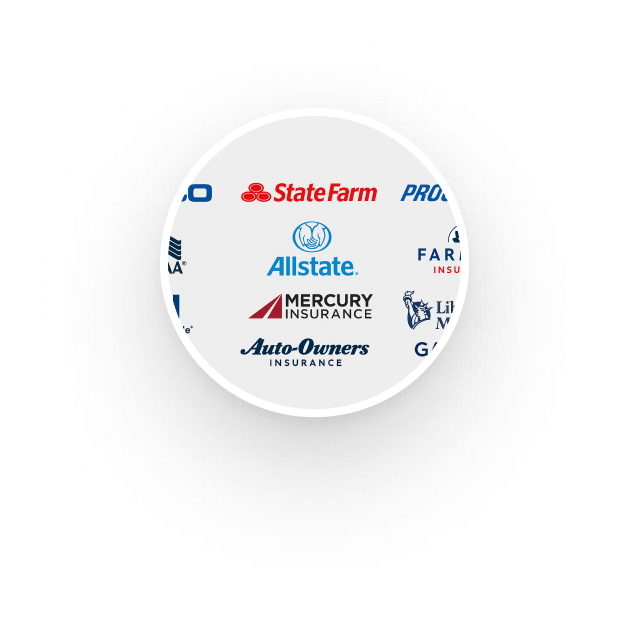
Increased driver safety leads to fewer insurance claims and lower premiums.



Product-Market Fit
Linxup is purpose-built for SMBs with fleets of 15–100 devices (vehicle trackers, asset trackers, dash cams). For organizations requiring more than 100 devices, an enterprise solution is a better fit.
Customers
Linxup serves industries including landscaping, construction, HVAC, plumbing, towing, pest control, delivery, emergency services, trucking, utilities, and more. Fleet managers — classified as Admin user types — are the primary users of the features covered in this case study.
Strategic Initiative: Visibility Always
Customers will have uninterrupted visibility into their vehicles, assets, and workers.
User Story and Pain Points
As a fleet manager, I would like to add and edit Linxup device details from my mobile device so that I can manage my fleet while I am on the go or away from my computer.
Fleet managers faced problems in the mobile app:
- Editing device details was only possible for a limited subset of fields.
- Several device detail fields were absent from mobile entirely
- If customers who purchased 15–100 devices could not easily manage them, the devices often went unused, frustration mounted, and churn increased.
Quantitative Findings
Analytics from the web app's Tracker Setup page provided a useful baseline:
- 90% of admin users adopted the Tracker Setup page and its features.
- The average time spent on the setup page was approximately 3 minutes — more than on most other pages — which meant familiarity was critical.
Challenges
Since there was no way to edit fleet details in the mobile app prior to this project it was important to emphasize Learnability and Discoverability into the design of the feature
Previously device details were present in the Map tab but not all fields were editable.The new tooltip displayed above increases the features Learnability & Discoverability.
Final Design
The final design introduced a scalable detail hierarchy: fleet management fields lived on the main Tracker Details page, while vehicle-specific fields (license plate, fuel capacity, fuel efficiency) were consolidated into a nested Vehicle Info page. This structure accommodated new fields without cluttering the primary view.
Launched!
Customer support reported zero cases of users being confused about how to edit device details. Stakeholders and developers were pleased with the outcome, particularly given this was one of my earlier projects and I was responsible for taking it from design through developer guidance, all the way to production.
Learnings
This project taught me how to work closely with developers using established patterns, how to make meaningful UX decisions , and how to deliver familiar, production-ready experiences within the constraints of legacy frameworks and limited resources.
Learn More About It
To protect any sensitive information, the full case study is in a presentation format. Please contact if you’d like to learn more!
Tracker Setup
Native Mobile App DesignTimeline ~3 months
Team & Role
This feature did not exist in the mobile app before the project began. I was the sole UX designer for this project. My responsibilities spanned discovery, interaction design, visual design, developer collaboration, and guiding implementation through to production.
Sells trackers for vehicles, assets, and dash cams to fleets in the SMB market.
The fleet utilizes the platform for fuel & productivity savings, as well as driver safety.
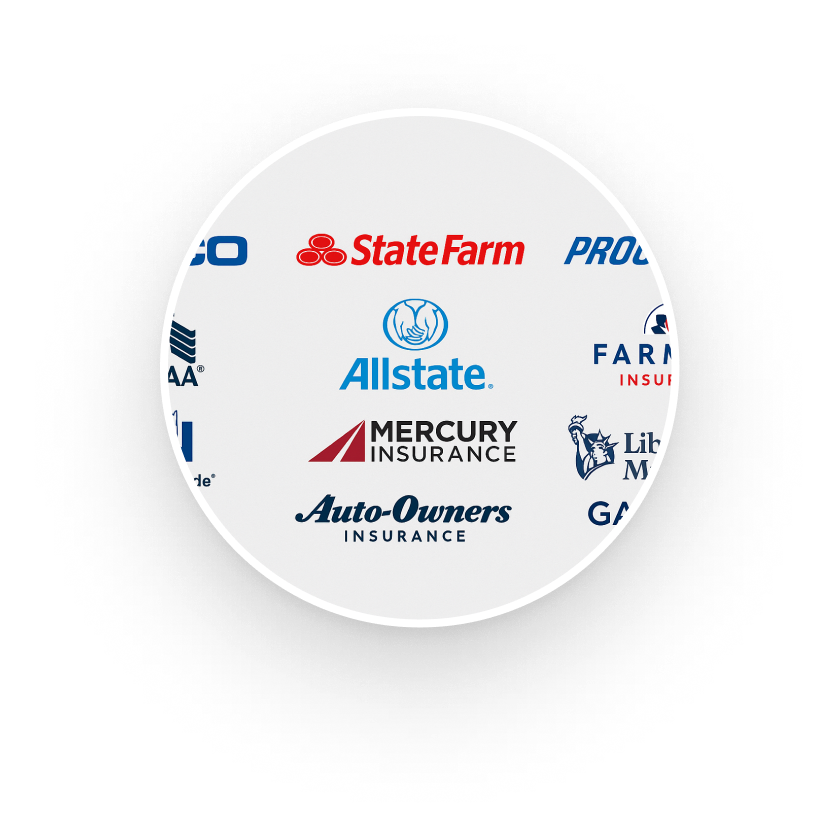
Increased driver safety leads to fewer insurance claims and lower premiums.




Product-Market Fit
Linxup is purpose-built for SMBs with fleets of 15–100 devices (vehicle trackers, asset trackers, dash cams). For organizations requiring more than 100 devices, an enterprise solution is a better fit.
Customers
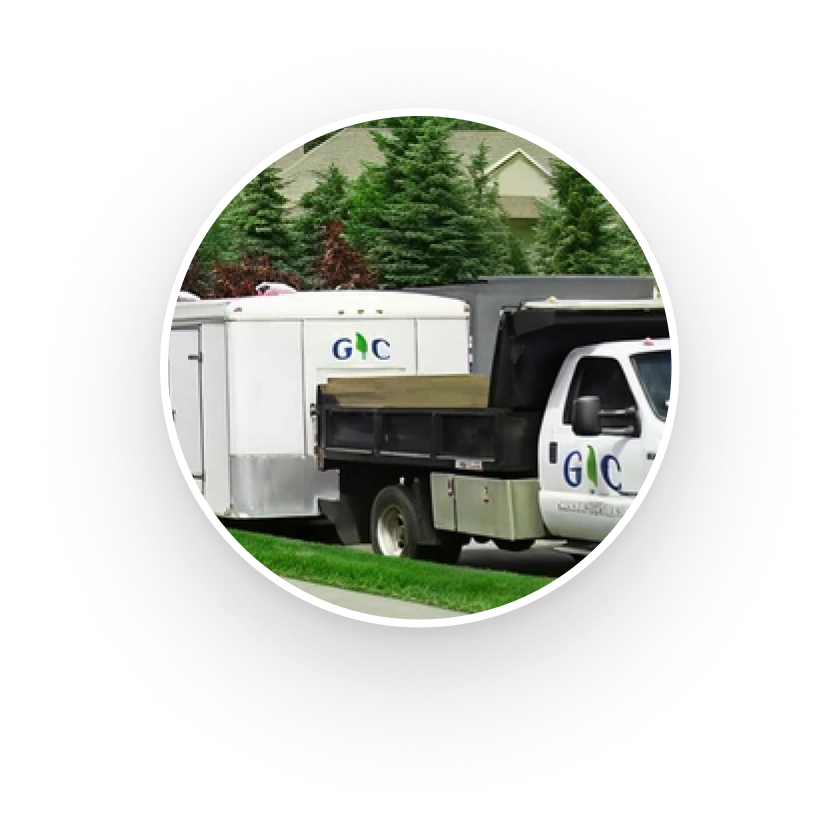
Linxup serves industries including landscaping, construction, HVAC, plumbing, towing, pest control, delivery, emergency services, trucking, utilities, and more. Fleet managers — classified as Admin user types — are the primary users of the features covered in this case study.
Strategic Initiative: Visibility Always
Customers will have uninterrupted visibility into their vehicles, assets, and workers.
User Story and Pain Points
As a fleet manager, I would like to add and edit Linxup device details from my mobile device so that I can manage my fleet while I am on the go or away from my computer.
Fleet managers faced problems in the mobile app:
- Editing device details was only possible for a limited subset of fields.
- Several device detail fields were absent from mobile entirely
- If customers who purchased 15–100 devices could not easily manage them, the devices often went unused, frustration mounted, and churn increased.
Quantitative Findings
Analytics from the web app's Tracker Setup page provided a useful baseline:
- 90% of admin users adopted the Tracker Setup page and its features.
- The average time spent on the setup page was approximately 3 minutes — more than on most other pages — which meant familiarity was critical.
Challenges
Since there was no way to edit fleet details in the app prior to this project, it was important to emphasize Learnability and Discoverability in the design of the feature.
Previously, device details were present in the Map tab, but not all fields were editable.The new tooltip displayed above increases the features' Learnability & Discoverability.
Final Design
The final design introduced a scalable detail hierarchy: fleet management fields lived on the main Tracker Details page, while vehicle-specific fields (license plate, fuel capacity, fuel efficiency) were consolidated into a nested Vehicle Info page. This structure accommodated new fields without cluttering the primary view.
Launched!
Customer support reported zero cases of users being confused about how to edit device details. Stakeholders and developers were pleased with the outcome, particularly given that this was one of my earlier projects and that I was responsible for taking it from design through developer guidance to production.
Learnings
This project taught me how to work closely with developers using established patterns, how to make meaningful UX decisions , and how to deliver familiar, production-ready experiences within the constraints of legacy frameworks and limited resources.
Learn More About It
To protect any sensitive information, the full case study is in a presentation format. Please contact if you’d like to learn more!